Best Freight Broker Automation Software (2026 Buyer's Guide)
A practical 2026 buyer's guide to freight broker automation software — the categories that exist, the features that actually matter, how to evaluate vendors, and how to tell genuine AI agents from rebadged rules engines.
 Priya NairJuly 14, 2026Updated October 31, 202612 min readDispatch Agent

If you are shopping for freight broker automation software in 2026, the hardest part is not finding options — it is telling them apart. Every vendor now claims "AI," every TMS has an "automation" tab, and the demos all look clean. This buyer's guide cuts through that: what categories actually exist, which features matter, how to evaluate vendors on your own data, and how to spot the difference between a genuine AI agent and a rules engine wearing a new label.
What "freight broker automation software" actually means
At its core, automation software takes the repetitive, rules-based parts of a brokerage's day and runs them without a human driving every click. That includes load intake, carrier vetting, rate confirmations, check calls, appointment scheduling, and inbox triage. The goal is not to remove your reps — it is to stop spending your reps' judgment on rote work so they can focus on negotiation and relationships.
It helps to separate two things that often get bundled together:
- Your TMS is your system of record. It stores loads, carriers, documents, and history.
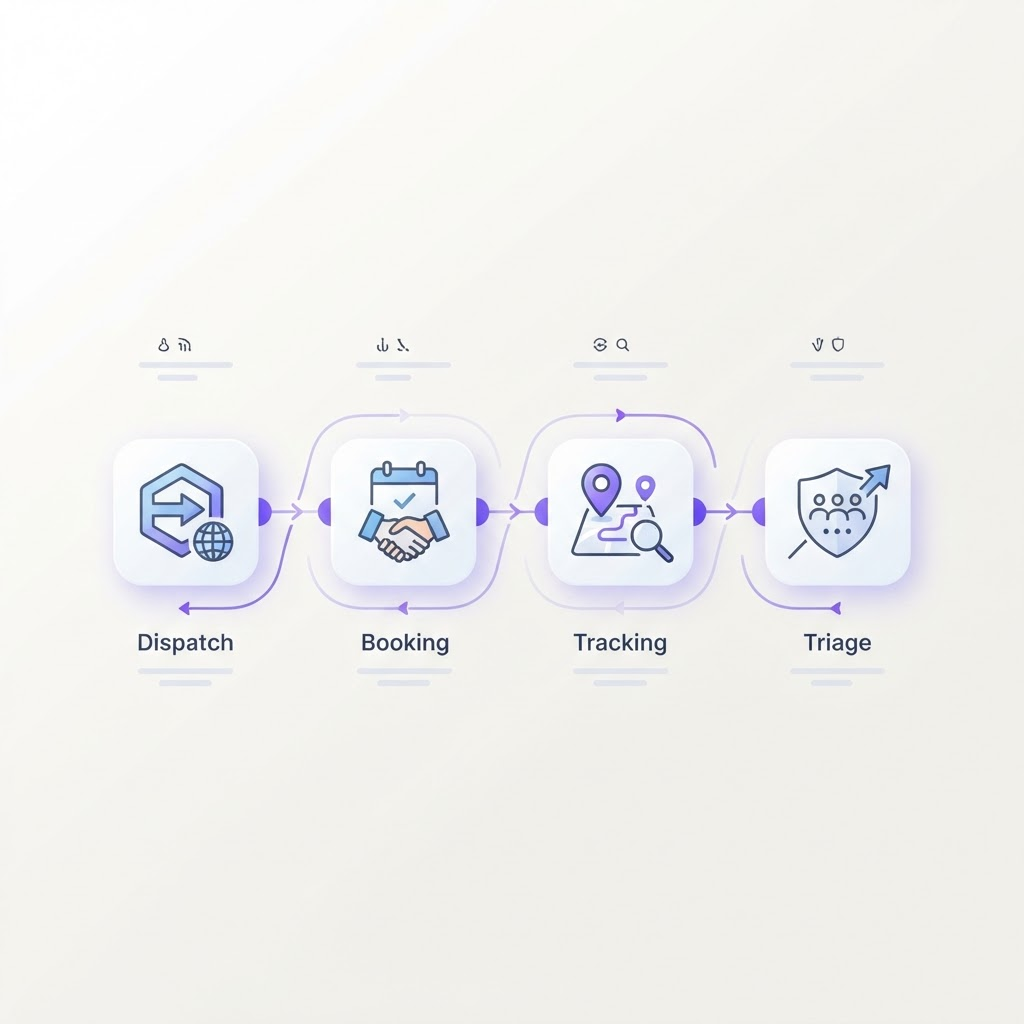
- Automation software is the execution layer. It acts on that data — booking, confirming, tracking, triaging.
The best setups keep your TMS and add automation on top, rather than forcing a migration. If a vendor's pitch starts with "first, replace your TMS," be cautious: rip-and-replace is exactly where most automation projects stall.
The categories of automation software
Not all "automation" is the same thing. Broadly, the market falls into four buckets, from least to most capable.
1. Macros and RPA
Screen-scraping bots and keyboard macros that repeat fixed sequences. Cheap, brittle, and they break the moment a screen or a load-board format changes. Fine for one narrow, stable task; painful at scale.
2. Rules engines
"If this, then that" logic built into a TMS or standalone tool. More robust than macros, but still fundamentally scripted — they only handle the scenarios someone anticipated and coded. Anything ambiguous falls back to a human.
3. Point AI features
A single AI-powered capability bolted onto an existing product — an email classifier, a rate suggestion. Useful, but narrow, and rarely connected across the full workflow.
4. AI agents
Software that perceives real-world inputs (email, load details, tracking feeds), decides what to do against goals and guardrails you set, and takes action end to end — escalating to a human only when judgment is genuinely required. This is the category worth understanding deeply; our primer on what an AI agent is in freight and the deeper AI agents vs traditional automation comparison explain why the distinction matters so much for what you can actually offload.
The features that actually matter
Ignore the feature-list arms race. In practice, a handful of things determine whether automation software earns its keep.
- It works on your messy data. Real tenders arrive as forwarded emails, PDFs, and load-board posts in inconsistent formats. If a tool only works on clean, structured input, it will disappoint the moment it meets your actual inbox.
- It layers onto your existing stack. Look for native connectors to DAT, Truckstop, Office 365, and your TMS. Integration depth is the difference between "runs in production" and "impressive demo."
- It keeps a human in the loop with real guardrails. You should be able to set margin floors, approval thresholds, and escalation rules — and trust that the agent respects them. Autonomy without guardrails is a liability, not a feature.
- It covers connected workflows, not one island. Booking that does not talk to tracking, or vetting that does not talk to booking, leaves the seams for your team to stitch. A multi-agent system where specialized agents share context is far more valuable than a pile of disconnected point tools.
- It produces an audit trail. Every action the software takes should be reviewable. This matters for compliance, for debugging, and for trust.
How to evaluate vendors (the demo that tells the truth)
Most demos are designed to look good. Here is how to run one that actually predicts production performance:
- Bring your own mess. Hand the vendor a batch of your real tenders and emails — including the ugly ones — and ask them to run the tool live. How it handles ambiguity is the whole ballgame.
- Probe the guardrails. Ask exactly how you set margin floors and approval rules, and what happens when the agent is unsure. Vague answers here are a red flag.
- Trace one workflow end to end. Follow a single load from intake through booking, confirmation, and tracking. Watch for the handoffs — that is where weak tools fall apart.
- Ask about integration reality. Which systems are native, which need middleware, and how long does connection actually take? Ask for a reference customer on your same TMS.
- Quantify the payback. Map the hours the tool removes against its cost. Our guide to reducing freight brokerage operating costs and the ROI calculator give you a defensible model to bring to the decision.
The tool that wins the demo on clean data often loses in production. Evaluate on your worst inputs, not the vendor's best ones.
How to tell real AI from a rules engine
This is the question I get asked most, and there is a simple test: give it something unexpected. A rate phrased unusually, a tender missing a field, an email that buries the pickup date in a paragraph. A rules engine either errors out or kicks it to a human. An appropriately configured AI workflow can interpret varied language, ask for missing fields, and flag uncertainty. It should not fill missing commercial facts with plausible guesses.
Be especially wary of tools that require your inputs to be perfectly structured before they will work. That requirement is usually a rules engine in disguise — it has pushed the hard, messy part of the job back onto you.
Where FastFreight fits
FastFreight Voice starts with inbound carrier and shipper answering for freight brokers and brokerage teams. It captures configured freight details, routes the summary to an accountable broker, and escalates approved exceptions. Plans start at $349/month; included usage and configuration are confirmed before launch.
If you are evaluating a purchase rather than the category, review the freight broker automation software offer. For a concrete operating example, inspect carrier call answering for posted-load inquiries: what the caller hears, what the broker receives, and which decisions remain human-owned.
Treat TMS connections, outbound check calls, booking, negotiation, and other agent workflows as separately scoped work—not standard capabilities implied by an automation label. The broader automation strategy hub explains the expansion path without replacing the service scope.
Making the decision
The "best" freight broker automation software is the one that removes the most manual hours from your desk while fitting the stack you already run — not the one with the longest feature list. Prioritize tools that handle messy real-world inputs, integrate natively, enforce your guardrails, and connect workflows end to end.
When you are ready to move, model the numbers with the ROI calculator, review transparent pricing, and see the agents work together on the how it works overview. If you are still deciding between automating and adding headcount, our take on scaling a brokerage without hiring is the right next read.
Frequently asked questions
What is freight broker automation software?
Freight broker automation software handles the repetitive, rules-based parts of a brokerage's workflow — load intake, carrier vetting, rate confirmations, check calls, and exception triage — so reps spend their time on relationships and negotiation. The most advanced tools use AI agents that interpret unstructured inputs like email rather than only following fixed rules.
How much does freight broker automation software cost?
Pricing depends on the product, usage, integrations, and workflow scope. FastFreight Voice starts at $349/month, with included usage confirmed before launch. Compare the full plan cost with your measured handling time and handoff quality; do not assume payback or booked-load revenue from answered calls.
What is the difference between a TMS and automation software?
A TMS is your system of record — it stores loads, carriers, and documents. Automation software acts on that data: it books, confirms, tracks, and triages. The best automation layers on top of your existing TMS rather than replacing it, so you keep your system of record and add an execution layer.
Do I need to replace my TMS to add automation?
No. The strongest approach layers automation on top of the TMS you already run, connecting through integrations so you avoid a disruptive migration. Rip-and-replace projects are where most automation initiatives stall.
How do I know if a tool uses real AI or just rules?
Ask it to handle a messy, real-world input — an email tender formatted three different ways, or a rate that is phrased unusually. Rules engines break on anything outside their script; AI agents interpret ambiguity and adapt. Request a live demo on your own messy data, not a canned dataset.
Written by
Priya Nair
Freight Technology Analyst
Priya analyzes logistics software and AI adoption for freight brokerages. She focuses on the practical economics of automation — what actually pays back, what does not, and how to evaluate tools without the hype.
- Logistics technology analyst
- Former TMS implementation lead
- Evaluated 50+ freight software platforms
Related automations
DAT Inquiry to Office 365 Load Intake Automation for Freight Brokers
Turn raw DAT inquiries into structured, ready-to-work loads inside Office 365 automatically.
Automated Appointment Scheduling for Freight Brokers
Book and confirm pickup and delivery appointments automatically, without the phone tag.
AI Load Building Automation for Freight Brokers
Turn customer tenders and emails into clean, ready-to-cover loads automatically.
Keep reading
Freight Broker Voicemail Alternative: Capture the Call Before It Becomes Lost Revenue
A practical alternative to freight broker voicemail for capturing carrier and shipper calls, routing urgent issues, and protecting opportunities when the desk is busy.
Freight Broker Missed Call Service: Recover Opportunities Without Blind Automation
A practical guide to recovering missed freight broker calls with structured intake, callback ownership, priority rules, and a controlled voice workflow.
Freight Broker Inbound Call Handling: Turn Calls Into Accountable Handoffs
A buying guide to freight broker inbound call handling, including carrier and shipper intake, routing, escalation, and the boundaries that keep the workflow safe.
Never miss the next freight call.
FastFreight Voice answers as your brokerage office, captures structured freight details, and routes the summary to the right broker while the opportunity is live.